
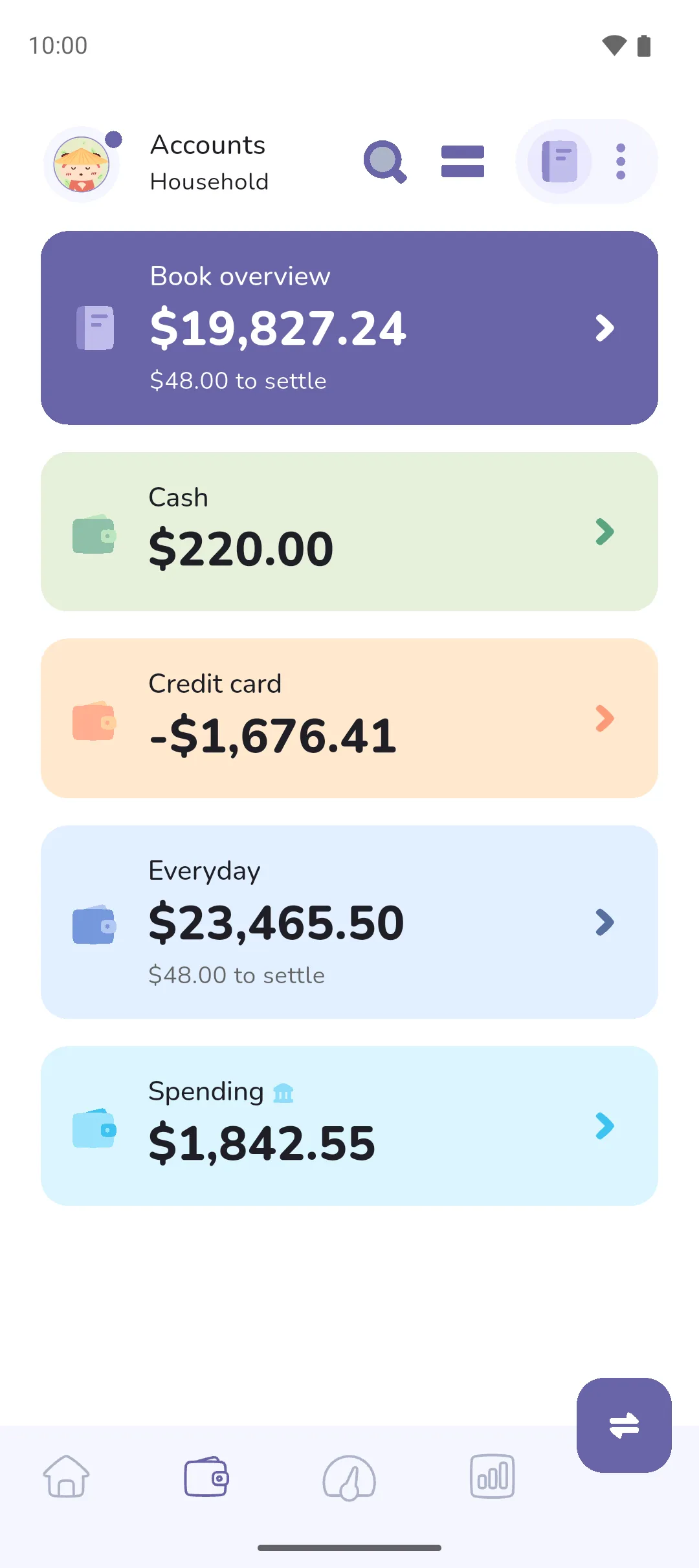
A linked account is an account or tracker that syncs its transactions and balance from a bank account. This doc covers what syncs from the bank, what you can't add or change on a linked account, transfers between linked and manual accounts, what a pending transaction counts in, and what happens when Pro Sync ends.
Where to find it: in two places.
- An everyday or credit account: the Accounts tab (Accounts tab icon, second in the bottom bar) and, to edit it, the Book icon (top right) → Manage accounts.
- A savings or loan tracker: the Trackers tab (Trackers tab icon, middle of the bottom bar) and, to edit it, the Book icon → Financial goals → Manage trackers.
 Accounts tab icon, second in the bottom bar) and, to edit it, the
  Book icon (top right) → Manage accounts.
 Trackers tab icon, middle of the bottom bar) and, to edit it, the
 What syncs from the bank
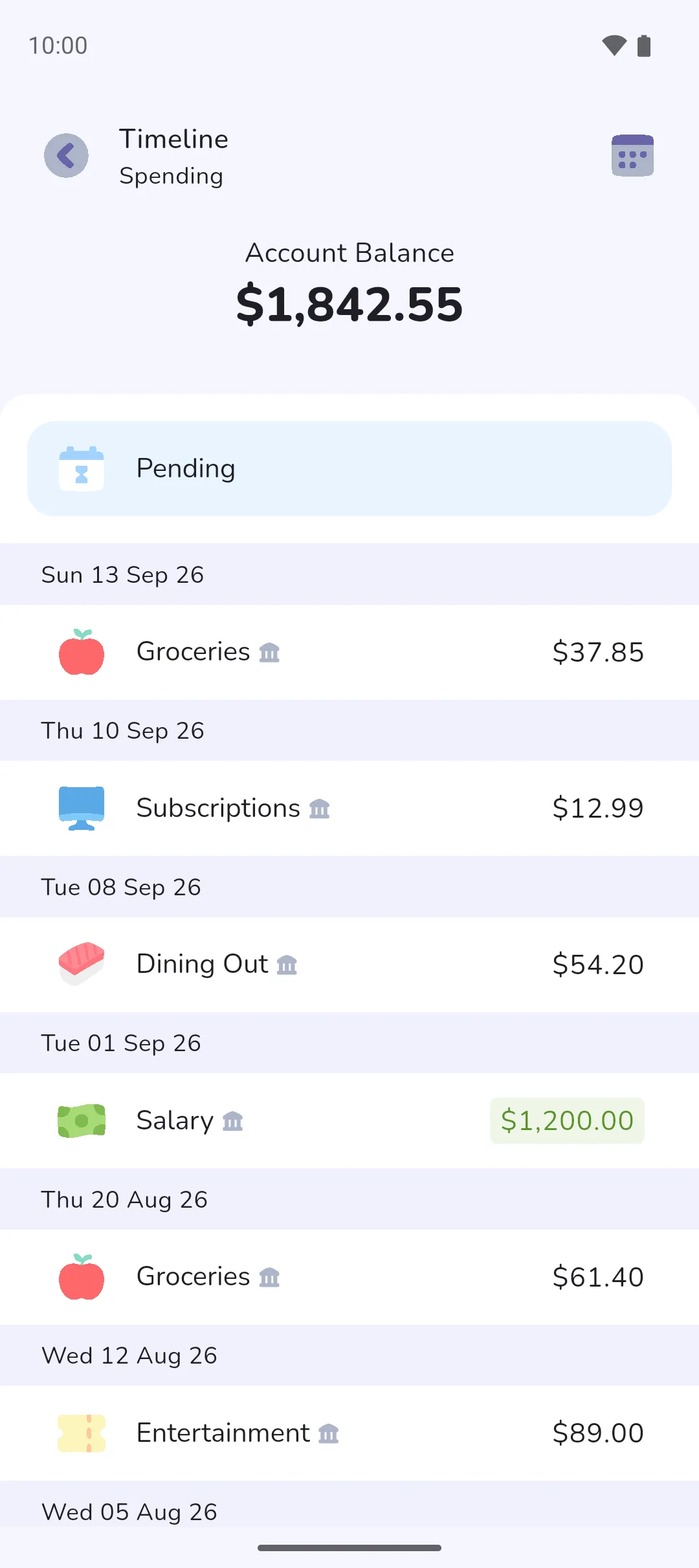
A linked account's transactions and balance arrive with a sync, once a day. A settled transaction will come in for review: see Reviewing transactions. A transaction the bank hasn't confirmed arrives as pending (see below).
The balance is the one the bank reported at the last sync. It isn't the sum of the transactions in the app, and it can't be edited. A linked account never shows an amount to settle. A linked Credit account shows what you owe as a negative balance, and its own screen also shows Available, what the bank says you can still spend.
What you can't add or change
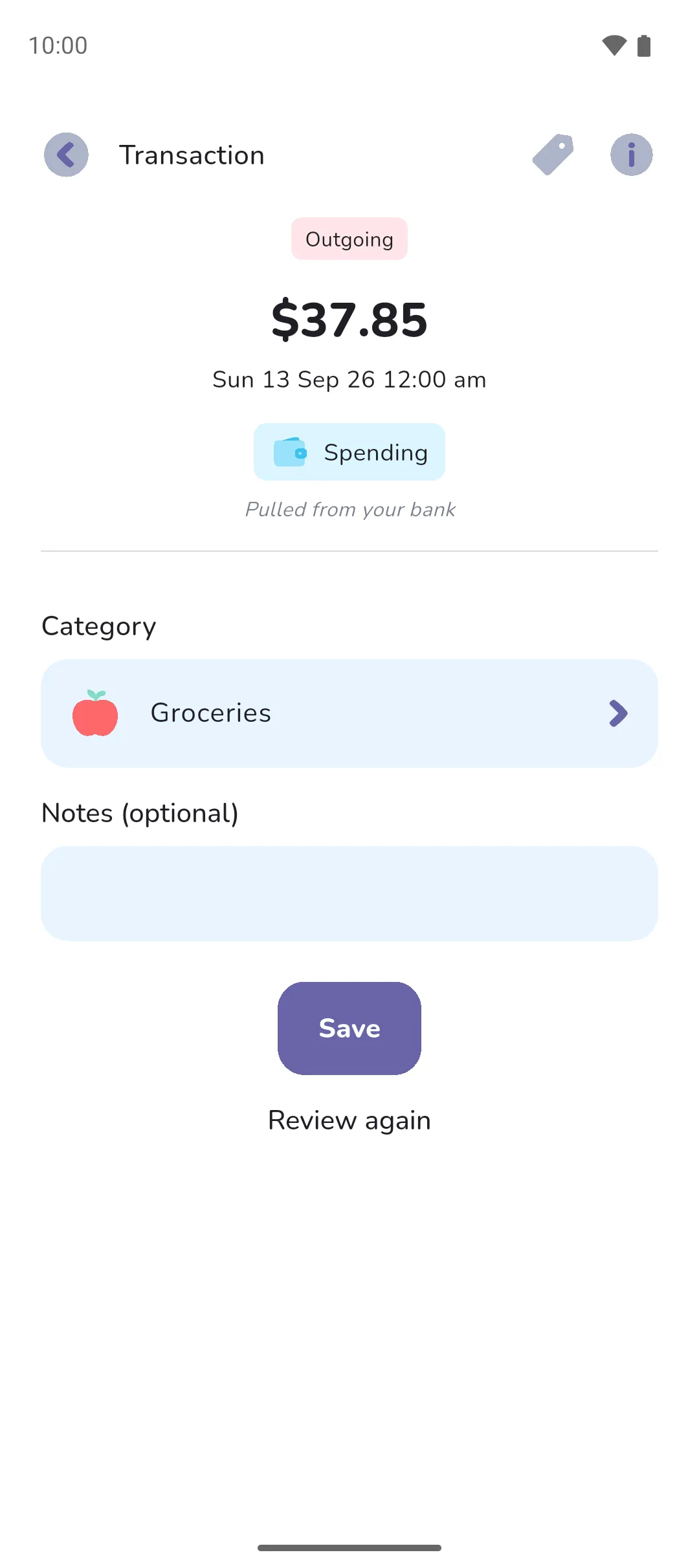
Everything on a linked account matches the bank.
- No manual transaction or transfer. Its screen has no Plus button or Transfer button, and the Account picker on Add transaction and the From and To pickers on Transfer leave it out.
- A linked tracker has no Add entry. Interest and fees come from the bank, and you name each one at review under Transaction type.
- A synced transaction can't be deleted, and its amount, date, account and status are fixed. It has no recurrence and no reminder. Its Category, Notes (optional) and tags can be changed.
 Plus button or
  Transfer button, and the Account picker on Add transaction and the From and To pickers on Transfer leave it out.
Transfers between linked and manual accounts
A transfer the bank reports has one side: the linked account that sent or received the money. The other account isn't filled in, even when it's linked too. A linked account on the other side syncs its own transfer from the bank, but on a manual account, you record the matching transfer yourself.
Say you move $200 from your linked everyday account to a manual savings tracker. The bank reports $200 Outgoing on the everyday account, and Make this a transfer at review saves it as a transfer out of that account only. The savings tracker doesn't change until you record the matching transfer: $200 to the savings tracker, with From left blank by tapping Clear. See Transfers.
Pending from the bank
A card payment the bank hasn't confirmed arrives pending, with no category, and doesn't come in for review. What it counts in depends on whether you give it a category:
- With no category, it counts against your overall budget as a pending expense, and on the home screen it shows under the special Pending category when the app is configured in Forecast mode.
- Give it a category and it counts in that category's budget too. Clear takes the category off again.
When the bank confirms it, the settled version comes in for review. In the US and Canada, the review suggests the category you gave it while it was pending.
Edit or delete a linked account
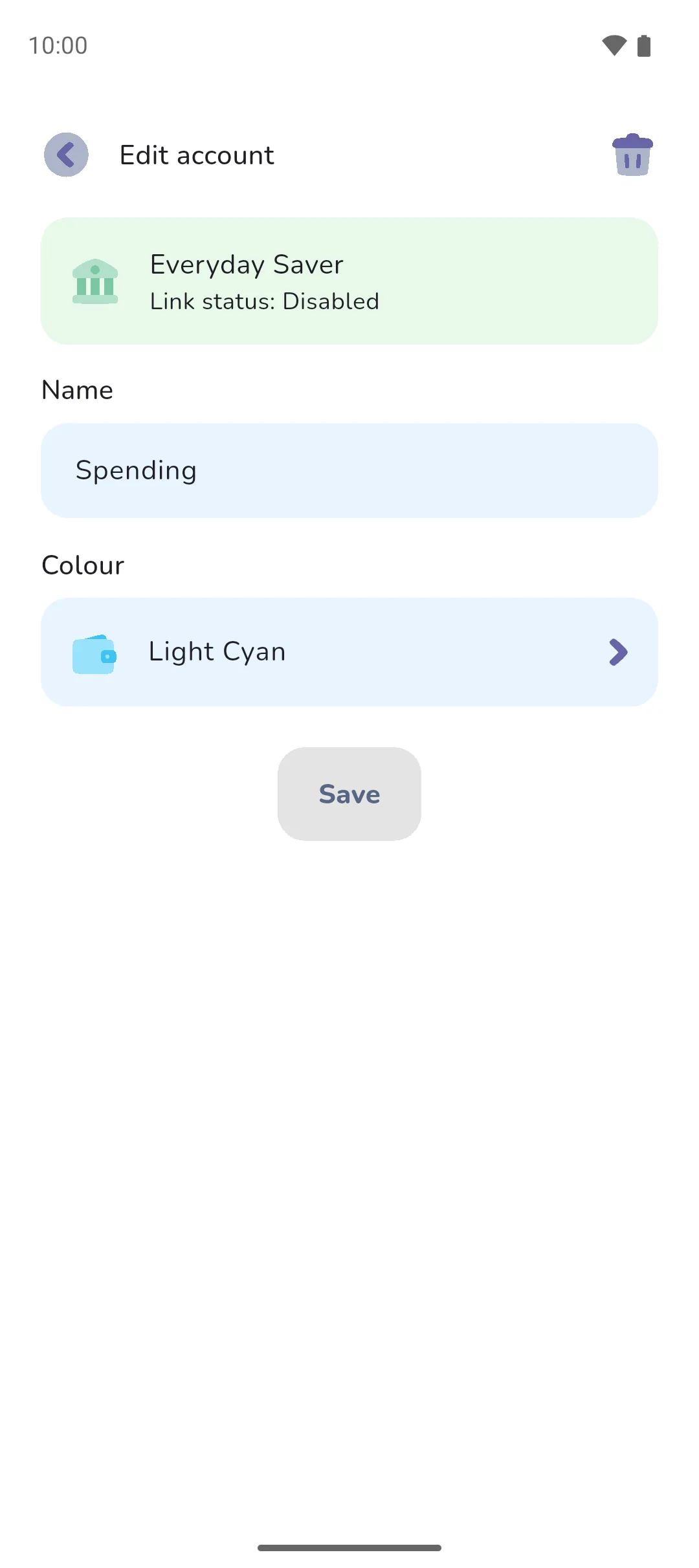
Editing a linked account on Manage accounts or Manage trackers is the same as for any account or tracker: see Accounts and Trackers.
Deleting a linked account on an active connection isn't allowed. To unlink the connection first, see Managing bank connections. Once its Link status reads Disabled, tap the Delete icon and drag Slide to delete across. Its transactions are deleted with it. There's no moving them to another account.
 Delete icon and drag Slide to delete across. Its transactions are deleted with it. There's no moving them to another account.
When Pro Sync ends
Once your subscription ends, we stop syncing your bank and unlink your bank connections. Your linked accounts stay in the book, with every transaction they synced from the bank and the balance from the last sync. You still can't add a manual transaction or transfer to a linked account. Its Link status reads Disabled, so deleting it is allowed. To link a bank again, Pro Sync is required.
- A synced transaction can have tags like any other, and can be sorted as a need or want.
- Linked accounts live in a Money Manager book. An Expense Tracker book has none.
See also: Connecting a bank, Reviewing transactions, Managing bank connections, Accounts, Trackers, Transfers, Pending and settled.